
How to fix sound problems on a tablet
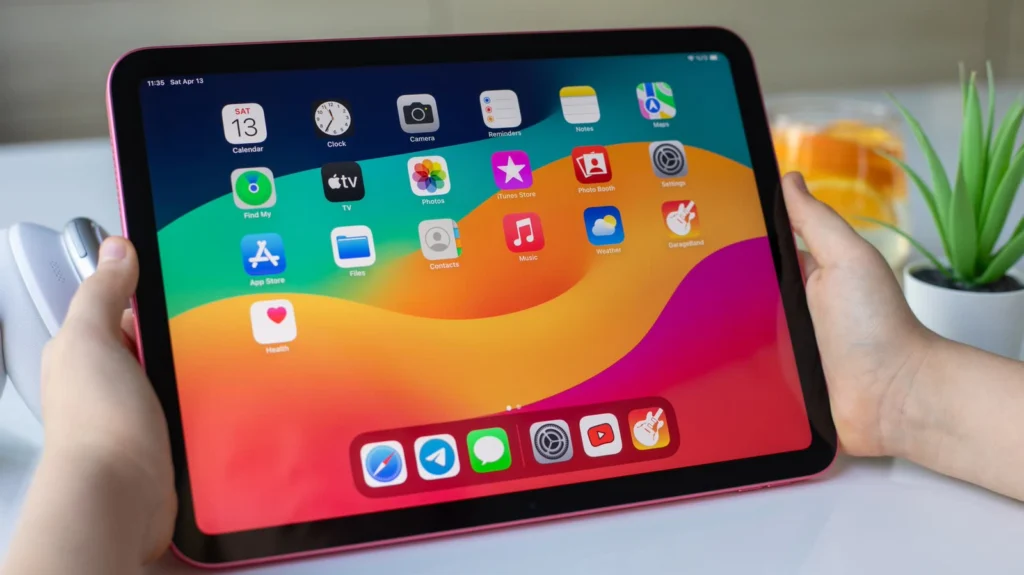
Users experiencing muffled sound on their tablet can troubleshoot the issue themselves before contacting a service center. Often, the cause of audio degradation is foreign objects blocking the speakers or improperly installed accessories.
Reported by Engadget
Apple recommends initially removing the case and screen protector from the iPad. These elements may be improperly secured or blocking the speaker openings, which leads to sound distortion.
To safely clean the speakers, the device should be turned off and all cables disconnected. It is recommended to use a soft-bristled non-metallic brush to gently remove dust and dirt from the grilles. The use of compressed air or blowing with your mouth is not permitted, as this can damage internal components or push debris deeper. After removing the dirt, it is recommended to wipe the residue with a microfiber cloth.
If physical cleaning does not resolve the issue, it is worth checking the software settings. In particular, you should ensure that the equalizer is set to the standard mode. For Samsung Galaxy devices, settings are available through the Sounds and vibration section, and for iPads, in the music settings menu.
To definitively determine the cause of the malfunction, you can connect an external Bluetooth speaker or headphones to the tablet. If the sound through the external device remains high-quality, this indicates a likely malfunction of the tablet’s built-in speaker system. In such a case, professional repair or replacement of the device may be required.
Translated with AI from the Ukrainian original
Read next
Most read
- Eastern Libya administration to demand compensation from Ukraine for strike on Benghazi port
- Configuring speed camera alerts in Android Auto
- High Anti-Corruption Court lifts seizure of eight vehicles in Tetyana Krupa case
- Gukesh and Sindarov draw the fourth game of the World Chess Championship match
- Chief Rabbi of Ukraine honors the memory of Holodomor victims