
How to block spam messages on iOS and Android devices
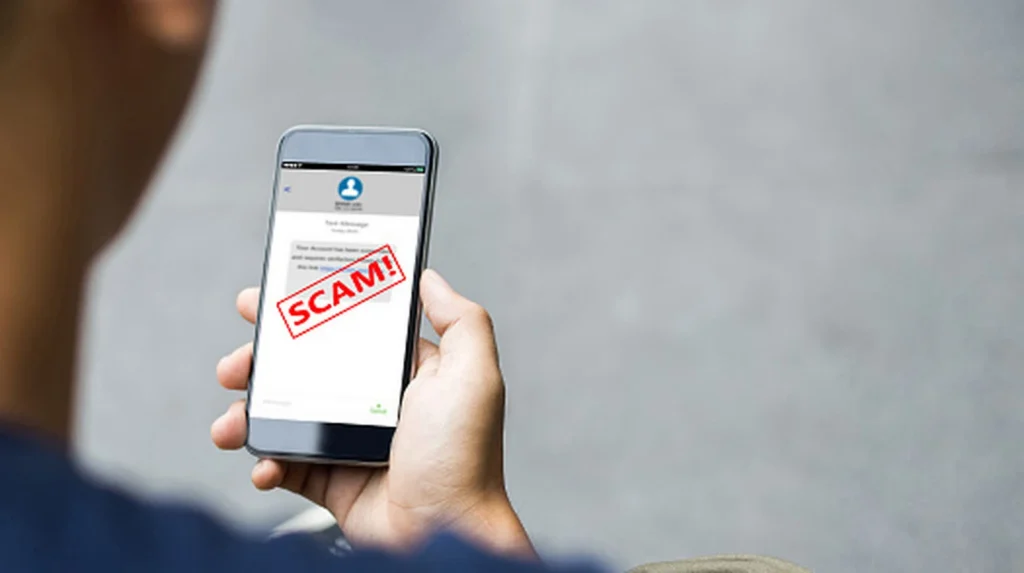
For iPhone users, a feature for filtering messages from unknown senders is available. In the Messages app, you need to go to the filtering management menu, where you can activate the Filter Unknown Senders toggle and the Filter Spam feature to automatically move unwanted messages to a separate list. In addition, settings in the Apple Messages for Business section allow you to turn off notifications from companies, and communication restrictions are available in the Screen Time section.
Reported by Engadget
On smartphones with the Google Messages app, to protect against spam, you should go to your profile, select message settings, and activate the Protection and Safety section. Google is also implementing Gemini artificial intelligence technologies, including an enhanced protection mode for fraud detection and link verification.
Regardless of the operating system, suspicious messages can be forwarded to the number 7726, which helps mobile carriers detect and block such mailings. As the Federal Trade Commission notes:
This helps your carrier detect and block these types of messages.
— Federal Trade Commission
Specialists warn against using third-party apps for spam filtering, as downloading unverified software carries the risk of infecting the device with malicious code. Despite taking measures, it is currently impossible to completely eliminate the receipt of spam, but changing system settings allows for a significant reduction in the amount of unwanted correspondence.
Translated with AI from the Ukrainian original
Read next


Most read
- Configuring speed camera alerts in Android Auto
- Eastern Libya administration to demand compensation from Ukraine for strike on Benghazi port
- russian troops attacked Ukraine with 140 drones on the night of November 29
- High Anti-Corruption Court lifts seizure of eight vehicles in Tetyana Krupa case
- Gukesh and Sindarov draw the fourth game of the World Chess Championship match